Overview
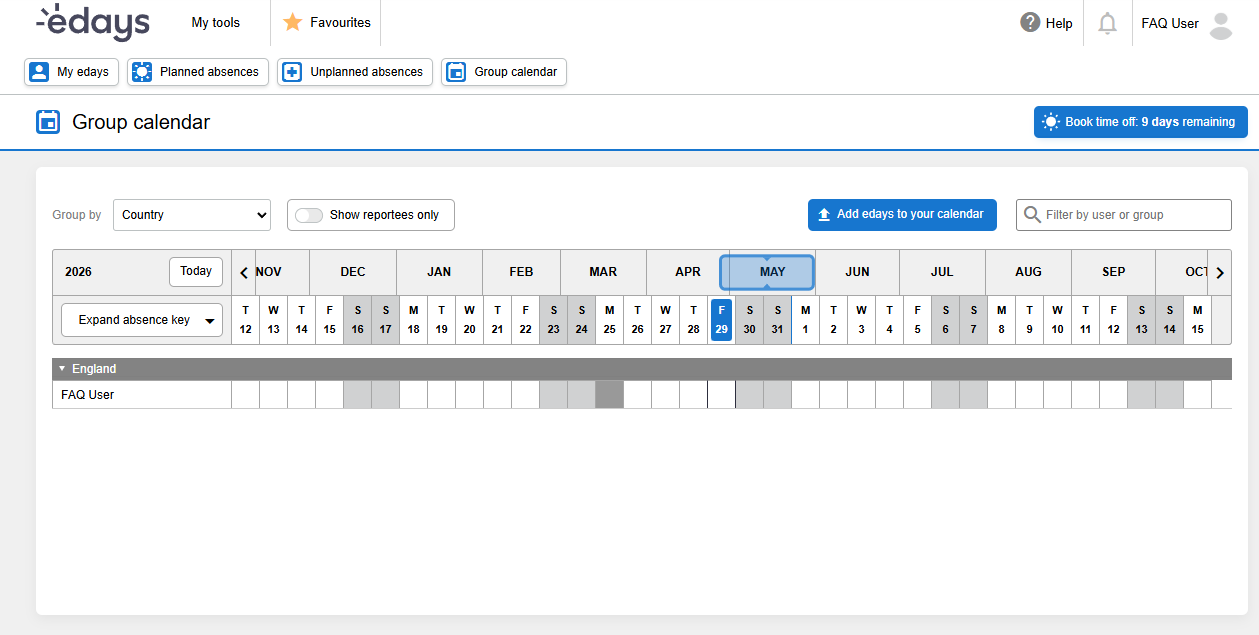
If a user cannot view the “Group Calendar” or team holiday bookings, the issue may be caused by the user not being assigned to a "Team" within their profile.
Steps:
- Navigate to the "admin panel"
- Search for the user in the search field.
- Within the "Users" profile, see if the user has been applied to any teams.
- If they have not been applied to a team, choose the appropriate team.
- Select "Save User" on the top right hand side of the screen.
Outcome
The user should now have the ability to see their selected team within the "Group Calendar"